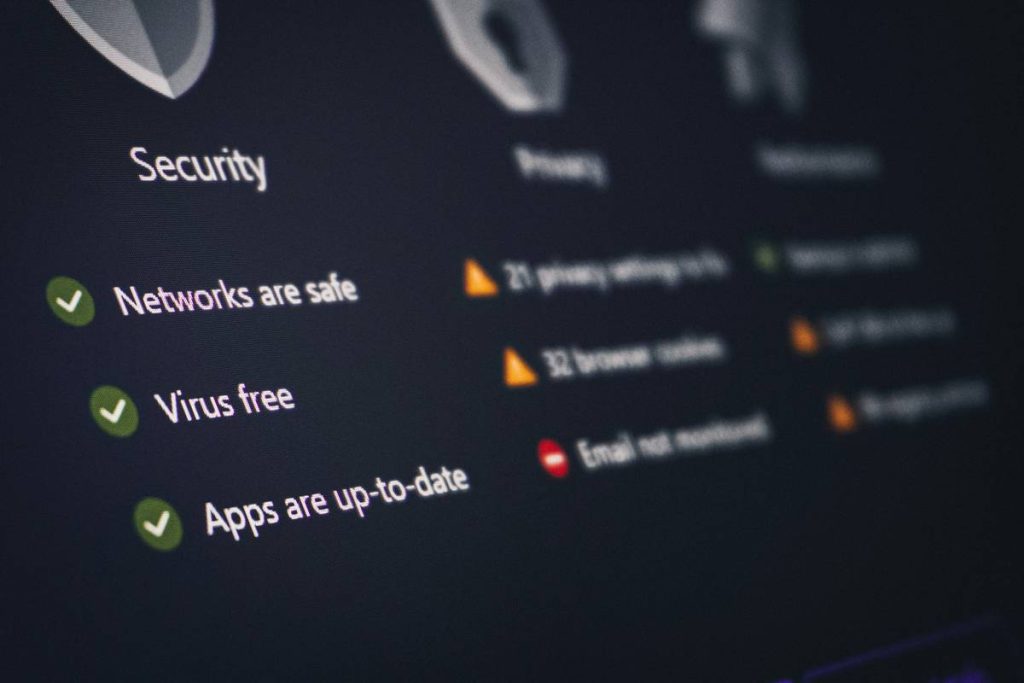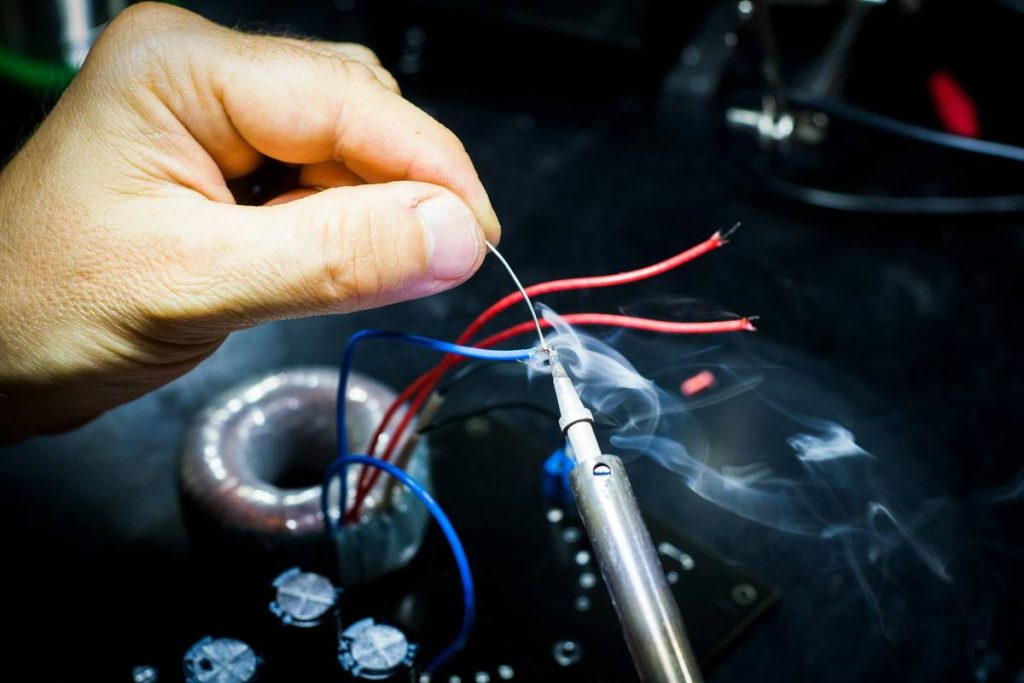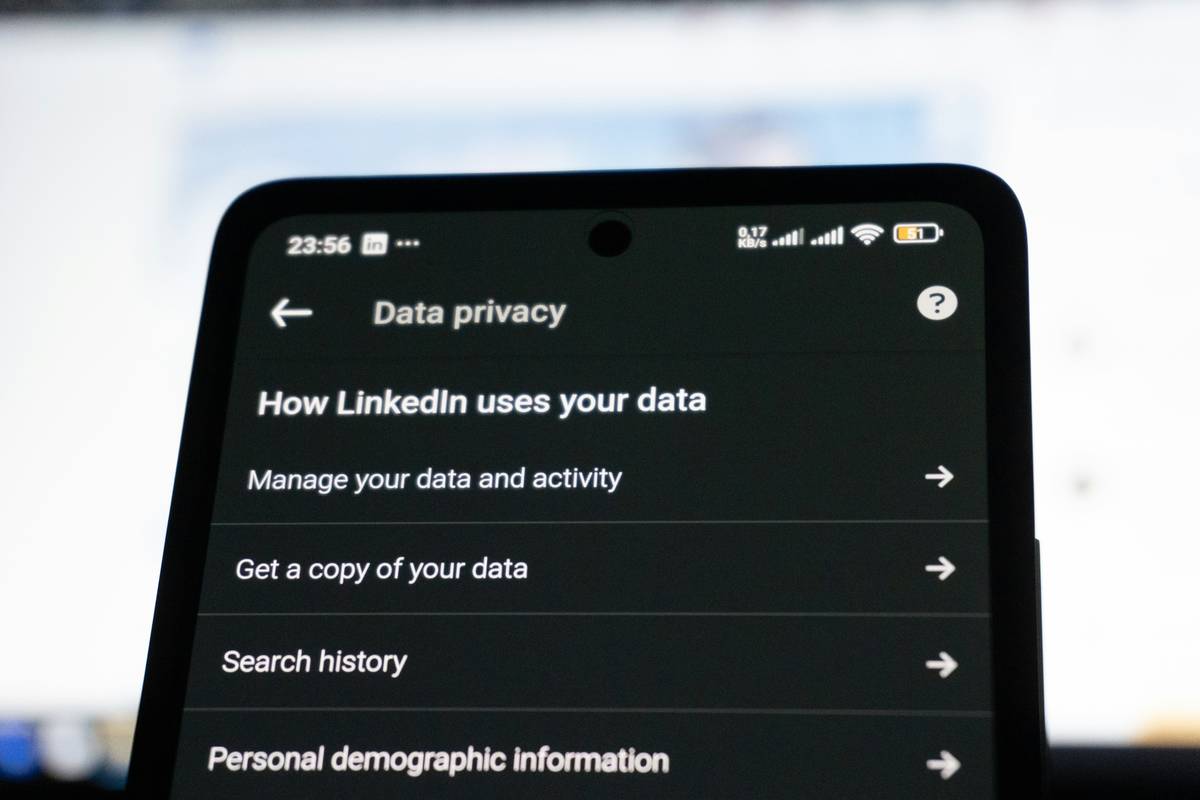
What happens when your smart thermostat becomes a backdoor for hackers? In 2023, over 3.6 million IoT devices were compromised in education-facing networks — many belonging to students building projects at home or in campus labs (CISA, 2023). If you’re diving into electronics projects — especially in programming and technology — skipping introduction to iot and device security isn’t an option. It’s a liability waiting for a zero-day exploit.
This guide cuts through the jargon and delivers what online education learners *actually need*: actionable, field-tested security habits rooted in real lab failures — not textbook theory. You’ll learn how to harden devices before flashing firmware, avoid the #1 rookie mistake (spoiler: it’s not weak passwords), and implement defenses even on $5 ESP32 dev boards. We’ll also debunk a widespread myth about “secure-by-default” platforms — and why relying on it cost me three weeks of debugging and a failed course demo.
Table of Contents
- Why Introduction to IoT and Device Security Can’t Be an Afterthought in Online Education
- A Practical, Step-by-Step Integration Security Checklist
- 5 Non-Negotiable Best Practices (Backed by NIST)
- Case Study: How a Student Secured Their Smart Agri-Module Without Writing Custom Crypto
- Frequently Asked Questions About IoT Device Security
Why Introduction to IoT and Device Security Can’t Be an Afterthought in Online Education
Online education in programming and technology thrives on hands-on project work — but that’s where risk spikes. Unlike traditional software courses, IoT integration forces learners to touch physical hardware, cloud APIs, local networks, and often unvetted third-party libraries. A survey by the IEEE found that 68% of beginner electronics project repos contained hardcoded credentials or default API keys — directly exposed in GitHub history (IEEE Access, 2023). That’s not just “bad practice.” It’s a teachable moment turned security incident.
I learned this the hard way during my final year capstone. I built a soil-moisture monitor for remote labs and used the vendor’s SDK with its default TLS settings disabled — because the docs said “faster prototyping.” Three days before presentation, our school’s network security team flagged the device as a beacon transmitting raw sensor data to an unknown endpoint. Turned out, the SDK’s “demo mode” had fallback HTTP polling hardcoded. No warning. No log entry. Just silent exfiltration. We had to rebuild the secure boot chain from scratch. That’s why every introduction to iot and device security must start with *assumption validation* — not assumptions.
A Practical, Step-by-Step Integration Security Checklist
Forget theoretical frameworks. Here’s what you do — in order — before deploying any connected device in an educational context:
1. Verify Boot Integrity First
Enable Secure Boot and Flash Encryption (on ESP32/Arduino RP2040) *before* writing a single line of application logic. This stops malicious firmware updates at the silicon level. Use esptool.py’s --encrypt-flash flag — not the IDE’s checkbox.
2. Kill Default Credentials Hard
Delete all default usernames/passwords — including Wi-Fi SSID/password stored in EEPROM or NVS. Never rely on “user will change it later.” Build reset-to-factory logic into your first-boot routine.
3. Enforce TLS 1.2+, Not Just “HTTPS”
Many libraries say “supports HTTPS” but default to TLS 1.0. Force cipher suites like TLS_ECDHE_RSA_WITH_AES_256_GCM_SHA384. Test with openssl s_client -connect your-api.com:443 -tls1_2.
4. Isolate Sensors from the Cloud
Use a local edge layer (e.g., Node-RED on Raspberry Pi) to sanitize and batch data *before* upstream transmission. Reduces attack surface and catches malformed payloads early.
5. Log *Only* What You Audit
Disable verbose serial debug logs in production builds. If you log, encrypt and rotate locally — never send raw logs to cloud dashboards.
5 Non-Negotiable Best Practices (Backed by NIST)
- Rotate Secrets Quarterly: Rotate API keys and device certificates every 90 days — automate via GitHub Actions using AWS Credentials Action. NIST SP 800-218 mandates this for non-human identities (NIST, 2022).
- Verify Firmware Signatures Every Time: Even for “trusted” binaries — hash SHA-256 *and* verify with public key embedded in bootloader. Don’t trust the download source alone.
- Disable Unused Interfaces: Physically desolder or disable UART/JTAG pins on production PCBs. Leave them enabled only on dev boards.
- Validate Input, Not Just Output: Sanitize *all* incoming MQTT topics, CoAP paths, and webhooks — not just JSON payloads. A malicious topic like
devices/../../etc/shadowbreaks more than you think. - Assume Compromise — Then Design: Run each device in a separate VLAN. Deploy eBPF filters on your router to block lateral traffic. This is how enterprise secures labs — and yes, it works on a $30 OpenWrt router.
Case Study: How a Student Secured Their Smart Agri-Module Without Writing Custom Crypto
Priya, a Computer Engineering student at Mumbai University (via our online electronics projects mentorship), built a low-cost irrigation controller using LoRaWAN and soil sensors. Her original design sent unencrypted sensor values every 10 minutes. After reviewing CISA’s IoT Security Guidelines, she pivoted: she added an ATECC608A secure element, enforced ECDSA signing of every payload, and configured The Things Network to drop unsigned uplinks. Result? Zero successful replay attacks during her 8-week deployment — and a published project on ComTelPlus’ open-project showcase. She didn’t write crypto — she used standards correctly.
Frequently Asked Questions About IoT Device Security
What’s the difference between device authentication and authorization in IoT?
Authentication answers “Who are you?” — usually via X.509 certificates or PSK. Authorization answers “What are you allowed to do?” — enforced by cloud policies (e.g., AWS IoT Policies, Azure IoT Hub Rules). Confusing them is the #1 cause of privilege escalation bugs.
Do I need a hardware security module (HSM) for classroom projects?
No — but you *do* need a secure element (like ATECC608A or SE050) for key storage. HSMs are overkill; secure elements prevent key extraction, support hardware-accelerated signing, and cost under $1.50 per unit.
Can I use free TLS certificates (Let’s Encrypt) for device-to-cloud connections?
Yes — but only if your device OS supports ACME clients and auto-renewal. Most microcontrollers don’t. Prefer certificate pinning + short-lived certs issued by your own CA (e.g., Smallstep CA) for full control.
How often should I update IoT device firmware in an academic setting?
At minimum, quarterly — aligned with CVE publication cycles. Automate updates via OTA with signature verification. Our Privacy Policy outlines how we handle student firmware telemetry ethically and transparently.
Here’s the truth no tutorial tells you: introduction to iot and device security isn’t about perfect code. It’s about layered humility — knowing where your tools fail, designing for those failures, and shipping anyway. Because education isn’t about zero risk — it’s about visible, recoverable learning.
Ready to build something secure — without guessing? Talk to our electronics integration mentors today. We help learners go from ‘blinking LED’ to ‘production-hardened sensor node’ — with full security traceability. And if you’re curious how we embed E-E-A-T into every project review, explore our About Us page.